

How to access the library
Access
Entrance to the Library is through the Orientation Office, which provides initial information about services and issues personal magnetic cards upon presentation of an identity document. For security reasons, persons with their faces covered and unidentified individuals are not permitted to enter. In addition, staff at the entrance may request that bags or containers be opened.
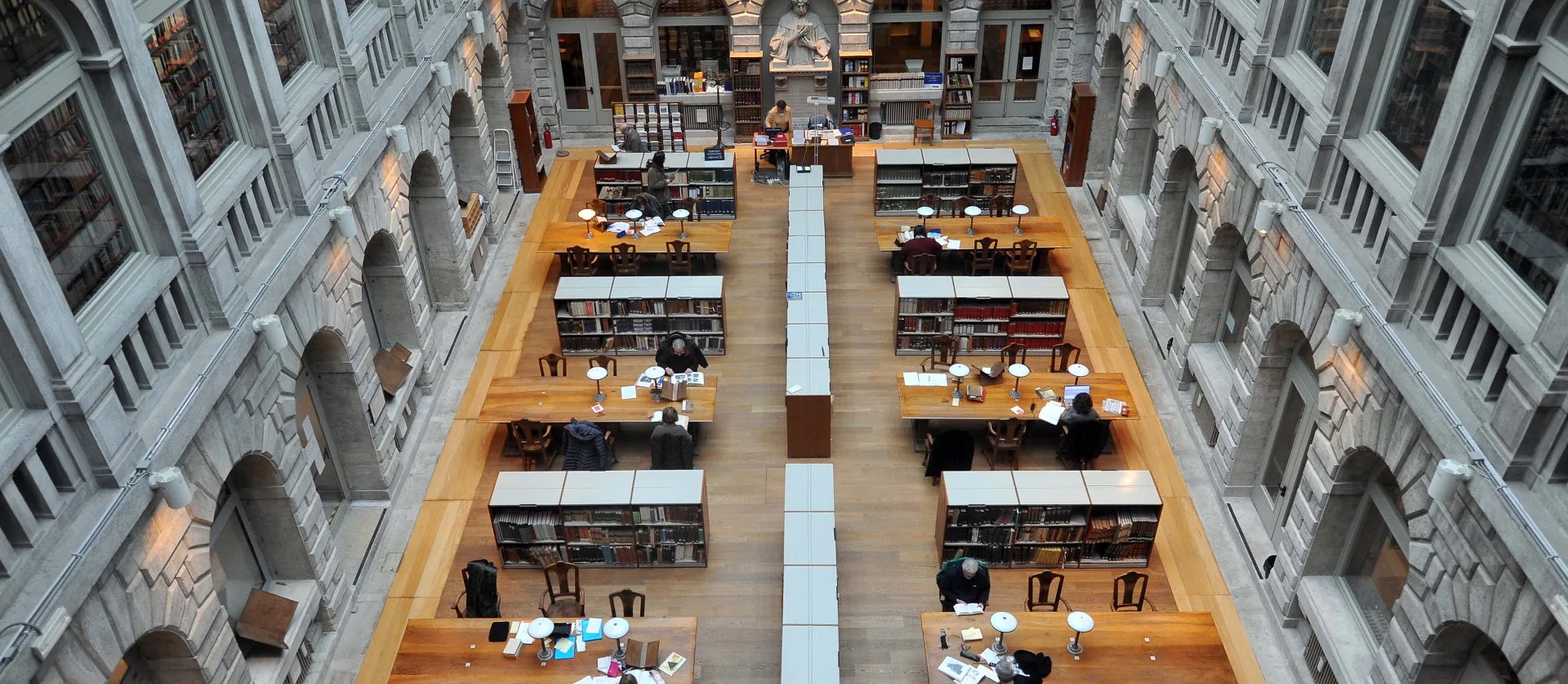
The total capacity is 72 seats:
- 18 in the Manuscripts and Rare Books Reading Room
- 54 in the Printed Works Reading Room
Minimum age
- 16 years for consulting modern printed works (after 1850).
- 18 years for consulting manuscripts and ancient, rare, or valuable editions.
Rules of conduct
- Bag storage: backpacks, trolleys, briefcases, and non-transparent containers (including laptop cases) must be left in the lockers in the Orientation Office (use of a €1.00 coin required).
- Responsibility: readers are responsible for the works they receive until they are returned.
- Prohibitions: smoking is prohibited in all areas of the Library. Eating and drinking are not allowed in the reading rooms.
- Damage to volumes: anyone who damages or marks books, or fails to handle them correctly, may be excluded from access.
- Accessibility: in accordance with Law 37/1974, guide dogs are always permitted.
Magnetic card
The magnetic card is issued free of charge, bears the reader’s photo, and allows entry and the submission of requests in the reading rooms. The card remains valid for five years if used regularly; otherwise, it expires and requires re-registration.
In case of loss or theft, a duplicate may be requested upon payment of €5.00 (using the methods indicated below).
Useful tools
An interactive map of the ground floor is available, providing practical information and the location of services.
Access to the Manuscripts and Rare Books Reading Room
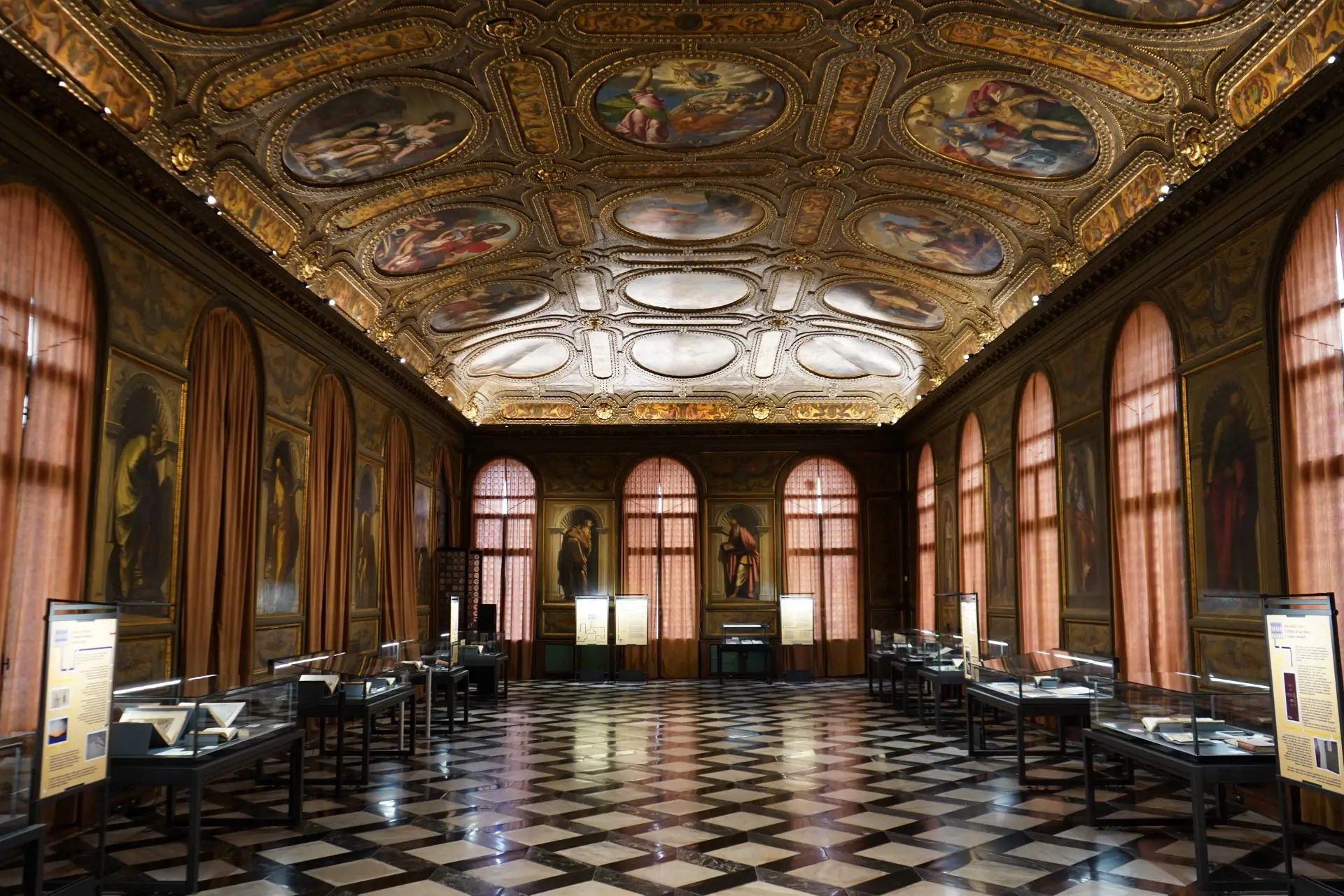
Manuscripts and rare books may be consulted in the dedicated reading room, subject to documented justification. Students in particular are required to provide a letter from their tutor confirming their current research.
Online registration
Online access for non-registered users
- On the OPAC Polo VEA homepage, there is a login in box (‘Accedi’) at the top right.
- Click on Non sei ancora registrato?, fill in the form, and select Biblioteca Nazionale Marciana from the drop-down menu.
- Once registered, you can book services online.
Online access for registered users
- Access the OPAC Polo VEA.
- Click Accedi at the top right.
When logging in for the first time:
- Username: library card number (e.g. BM123, QS123 or 123 without leading zeros).
- Password: date of birth (e.g. 21/11/2011).
This can be changed later (minimum 8 characters, including letters and numbers).
Ca’ Foscari and IUAV users
You must always use your institutional credentials via the appropriate authentication boxes.
Personal online space
Once you have logged in to the Polo VEA OPAC, click on your name (top right) to access your personal space, where you can:
- reserve books,
- check the status of your requests,
- cancel your requests.
Reservations via OPAC
- Books may be reserved up to the day before consultation, with a maximum advance booking of three days.
- Detailed instructions are available on the page Instructions for OPAC requests.